
Translator Features
Access
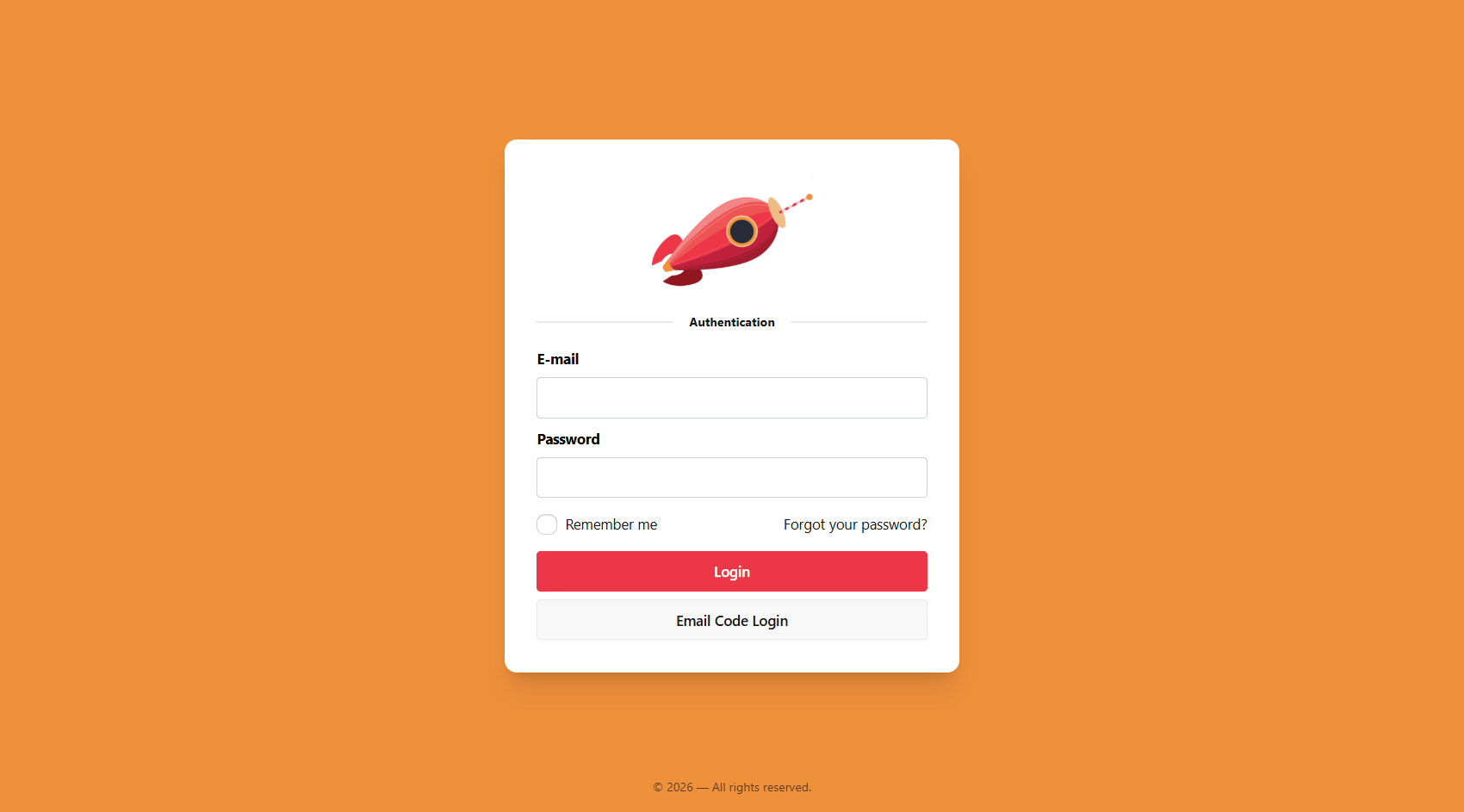
- Join the platform via invitation.
- Verify email address.
- Login with password or email code.
- Set interface language.
Work
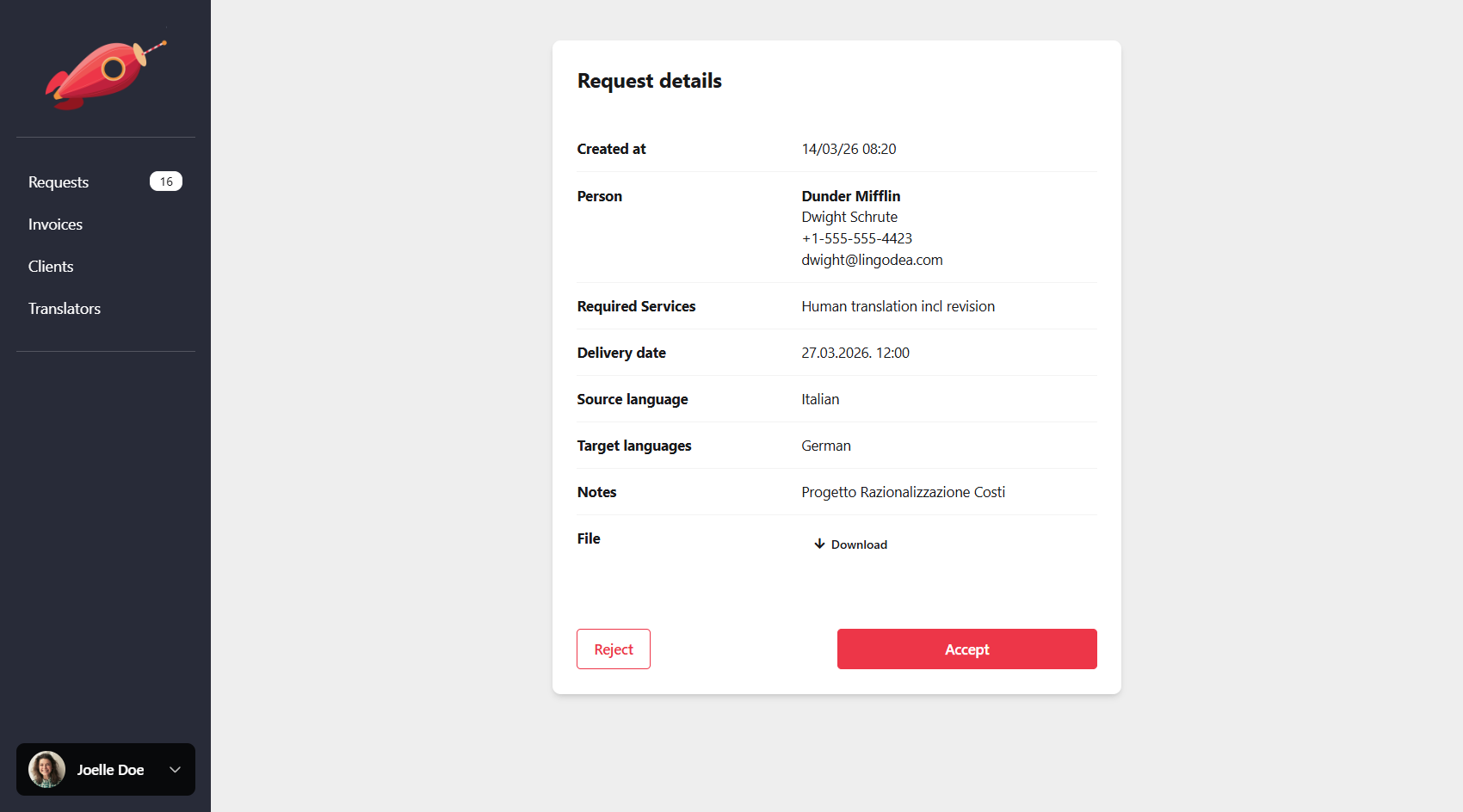
- Receive and respond to project invitations.
- View pending and completed projects with full details.
- Submit on-site visit reports, log expenses, and collect client signatures.
- Access links and details for scheduled video calls.
- Upload translated files.
- Receive payment notifications.
Profile
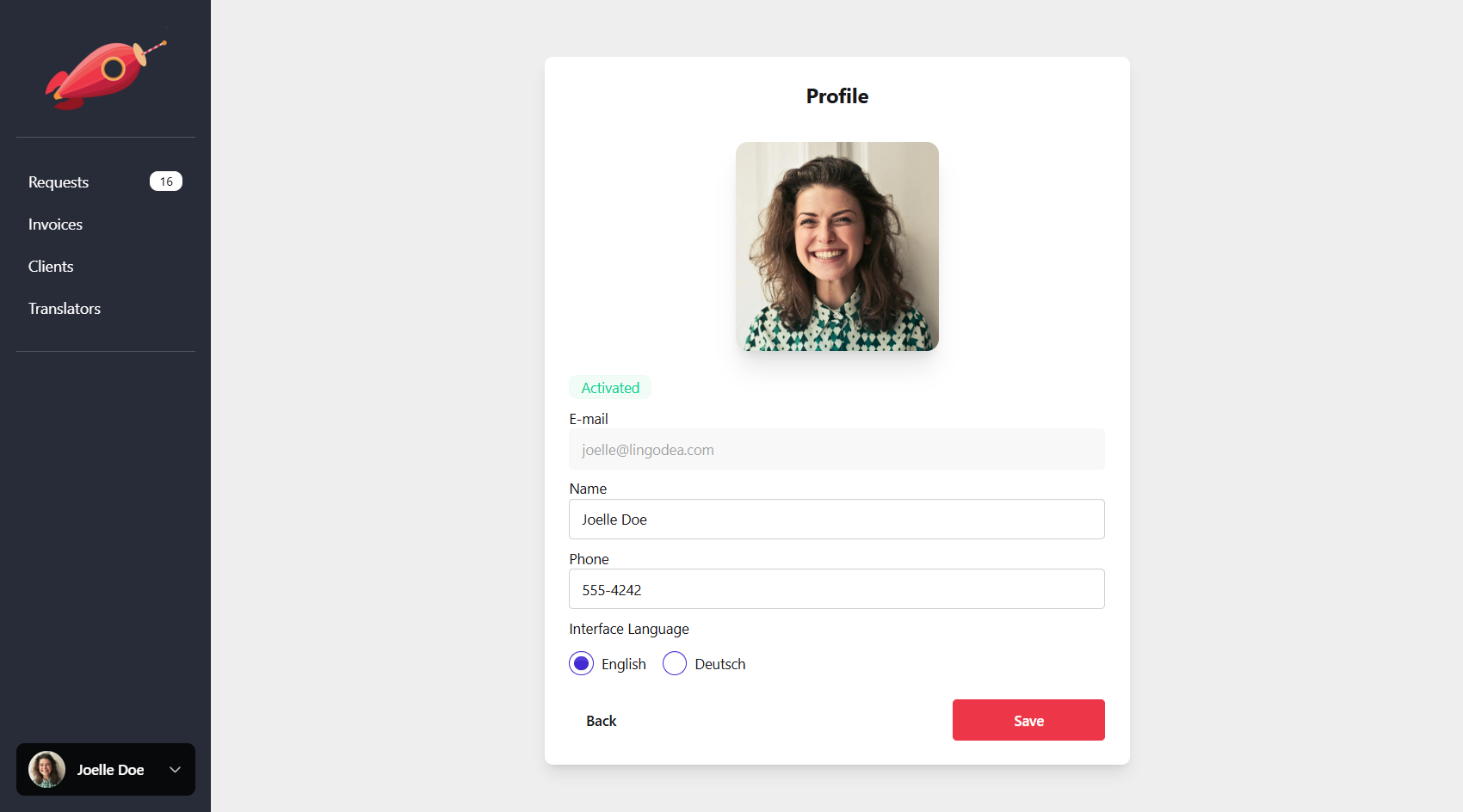
- Manage availability status.
- Update contact information, language proficiency, pricing, and services offered.
- Opt out of the platform if desired.
Frequently Asked Questions
Can translators create an account?
No. Translator accounts are created by invitation only. They will receive an invitation email with instructions to activate account.
Can translators set their language proficiency?
Yes. Translators can specify the languages they work with and set their proficiency level for each language in their profile.
Can translators opt out of certain services?
Yes. Translators can choose which services they want to offer (for example translation, interpretation, on-site work, etc.) and opt out of services they do not wish to perform.
For on-site visits, can translators upload expenses?
Yes. For on-site assignments translators can enter expenses, upload receipts, record travel distance or time spent, and log the duration of the assignment. Work can also be signed on-site to confirm completion.